

Guide to Smart Home Devices
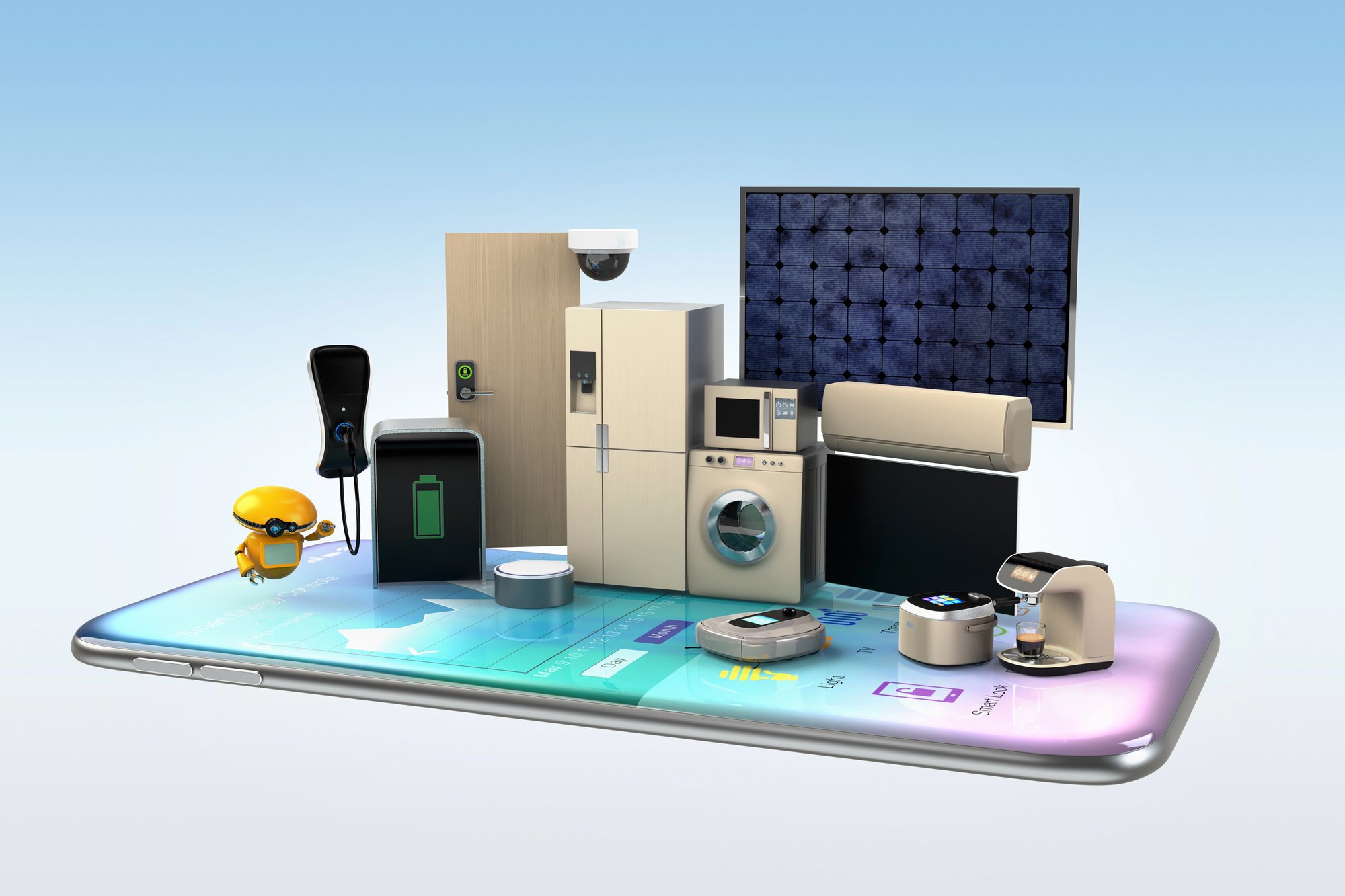
As we head into December, many of us are spending more time at home: gathering with family, streaming holiday favorites, and juggling smart devices in every room. If you’ve ever paused and thought, “How can I make all of these devices work together better?”, this guide is for you.
Rather than a gift list, this is your smart-home setup roadmap, covering how to connect devices, get the most from your WiFi, and create a system that’s reliable, secure, and built to last.
1. Why Smart Home Devices Work Better When the Network Is Strong
Smart bulbs, thermostats, security cameras, voice assistants: they each play their part. But when you string a dozen or more together, what matters most is the network running them all.
Did you know that the best smart home experiences happen when you have a strong, stable internet connection and a WiFi system that covers every corner of your home? That’s why more residential providers (such as Ritter Communications) emphasize “Smart WiFi” systems with parental controls, device monitoring, and unlimited data.
Before adding a new smart device, ask:
- Does your router support modern WiFi standards (WiFi 6/6E)?
- Is your upload speed sufficient for streaming, backups, and connected devices?
- Is your WiFi strong and consistent in every room (including basements or second floors)?
If you answered “not sure” to any of those, you might benefit from a network upgrade first, which helps your devices perform at their best.
2. Getting Smart Home Devices to Talk to Each Other
Smart home devices are more helpful when they integrate: your voice assistant triggers the lights, your smart thermostat knows who’s home, and the security camera works with your doorbell. But integration is most straightforward when the devices share a common platform or hub.
Here’s how to get started:
- Identify your central “hub” (smart speaker, tablet, home-automation app).
- Choose compatible devices: many hubs list “works with Alexa,” “works with Google,” or “Apple HomeKit.”
- Create routines: “When I leave home, turn off lights, set thermostat, arm security cameras.”
- Keep firmware updated: this is important for both device functionality and security.
And remember: if your WiFi network struggles to keep up when you stream, video call, and run automation simultaneously, it may be time to reassess your home internet plan. Many users have found that switching to a provider with reliable, locally supported service (like Ritter Communications, with 99.99% network reliability) can dramatically reduce frustrations.
3. Smart Home Security & Energy Efficiency
Smart homes aren’t just about convenience; they’re about control. Two areas where that matters most: security and energy efficiency.
Security tips:
- Use a separate guest WiFi network for visitors or non-critical IoT devices.
- Enable two-step verification for any smart-home apps.
- Update device firmware regularly.
- Consider smart cameras that allow remote monitoring and real-time alerts.
Energy efficiency tips:
- A smart thermostat learns your schedule, so you heat/cool less when you’re away.
- Smart plugs let you monitor which devices draw power when “off” and automate schedules.
- Smart lighting (like motion-activated LED bulbs) reduces wasted usage.
By making these changes, you set your home up for smarter automation and cost savings, and you’ll need a network that supports simultaneous devices streaming, updating, and communicating without lag.
4. Smart Home Ideas for Every Corner of Your Home
Here are some setups that add value beyond “cool gadget”:
- Living Room: A voice-controlled speaker linked to your lighting and TV. “Movie mode” dims the lights and sets the appropriate scene.
- Kitchen: Smart plugs on appliances you rarely use or forget. Schedule them to turn off automatically overnight.
- Entryway: A smart doorbell + camera + lock: integrates video, alerts, and remote unlocking from your phone.
- Bedrooms: Sleep-focused automation: lights that slowly dim, thermostats that adjust overnight, smart shades that open at sunrise.
- Outdoor: Weather-proof smart lights, water sensors for your irrigation system, and WiFi extenders or mesh nodes if your yard is vast.
Each of these setups increases convenience, but when they all ride on a network that drops out or lags, the “smart home” becomes smart frustration. That’s why planning the foundation matters as much as selecting the devices.
5. Planning Your Smart Home Setup for December and Beyond
Consider the holiday season your launchpad rather than your finish line. Use the downtime at home to lay the groundwork:
- Assess your current internet plan. Is it sufficient for your device count and future upgrades?
- If you have a multi-device home (such as for video streaming, gaming, or security systems), consider upgrading to a higher-tier, unlimited data plan.
- Map your home’s WiFi “dead zones” and add extenders or mesh nodes where needed
- Choose a few “anchor devices” you want now (smart thermostat + lighting + doorbell) and build on them throughout 2026
- Create backup routines and data-safeguard workflows for your smart home devices
Imagine by next Christmas, your home isn’t just “tech-enabled,” it’s intelligently orchestrated: your lights, shades, heating/cooling, and security all working seamlessly behind the scenes.
Building Your Smart Home Right
Smart home devices have matured; the concept is no longer futuristic, but practical. When implemented well, they make life more convenient, secure, and efficient. But the key to success isn’t just in the devices, it’s in the network they ride on and how well they’re orchestrated.
If you’re looking to get the most out of your smart home this season, start with your foundation: your WiFi and internet service. Companies like Ritter Communications are helping homeowners access unlimited data, smart WiFi systems, and local tech support to keep everything running smoothly.
Here’s to a smart, connected home, and a December launch your family will thank you for.