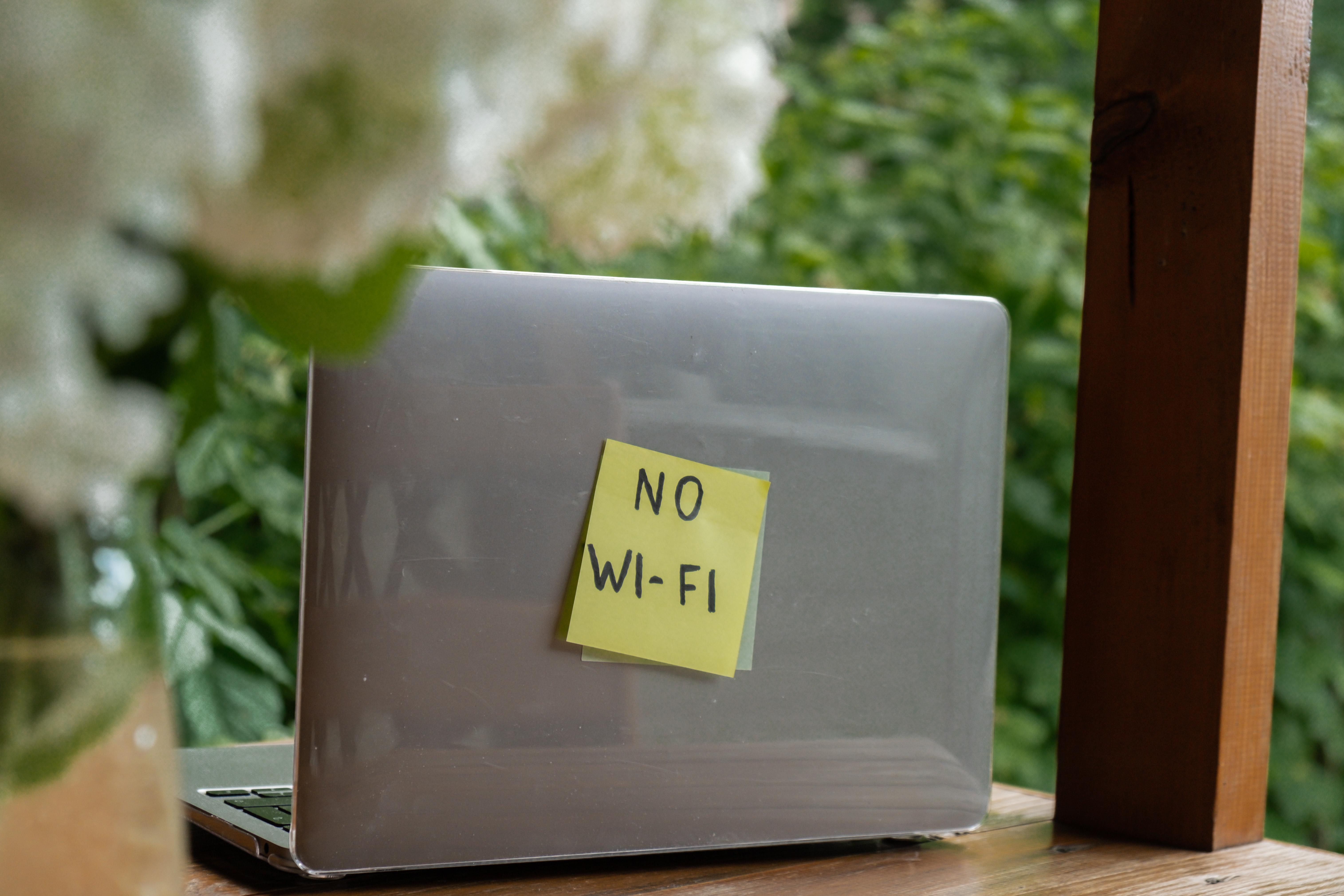
Weak or missing WiFi in parts of your home is frustrating: whether it’s the bedroom, the basement, or the back porch. Understanding why WiFi dead zones happen and what you can do about them makes it easier to improve WiFi signal and get reliable coverage everywhere you need it.
Why WiFi Dead Zones Happen
WiFi dead zones are areas where your WiFi signal strength is too weak for a usable connection. Usually, the router’s radio waves can’t reach that spot well enough, or something in the house is blocking or absorbing them.
What blocks WiFi signals the most is actually your home itself. Walls and floors absorb and scatter WiFi, especially when they’re dense or contain metal or moisture. Concrete, brick, and stone block signal more than drywall. Research shows that building materials like concrete and brick can reduce WiFi signal by 50% or more compared to open space, so thick interior or exterior walls are a common cause of WiFi dead zones. Metal ductwork, large appliances, mirrors, and even water (pipes, fish tanks) can weaken or reflect WiFi signals. Distance matters too: the farther you are from the router, the weaker the signal gets.
So the cause of WiFi dead zones in your house often comes down to a mix of layout, WiFi signal strength drop-off, and what blocks WiFi signal, especially building materials and distance.
How to Improve WiFi Signal and Eliminate Dead Zones
To eliminate WiFi dead zones, you need to get a stronger WiFi signal into those problem areas. You can try to improve WiFi signal from the router (better placement, fewer obstructions), but in many homes, the real fix is adding coverage with WiFi extenders or a WiFi mesh system, so you have whole-home WiFi.
WiFi extenders (sometimes called repeaters or boosters) receive the router’s signal and rebroadcast it, effectively moving the network closer to the dead zone. They’re a common way to improve WiFi coverage in one or two weak spots.
A WiFi mesh system uses multiple access points that work together as one network, often giving more consistent whole-home WiFi and better performance than a single router plus a basic extender. Choosing between a WiFi extender vs mesh depends on the size and layout of your home: extenders are simpler and cheaper for small gaps; mesh is often better for larger or multi-floor homes with several dead zones.
If you’re adding a WiFi extender, the location matters. Put it roughly halfway between the router and the dead zone: close enough to the router to get a strong signal, but far enough to extend coverage into the weak area. Placement in that “middle” zone typically gives the best balance of signal quality and coverage.
Avoid hiding it inside cabinets or behind thick walls; that can create a second weak spot. Many providers (like Ritter Communications) offer WiFi extenders or mesh-style pods as part of their internet packages; a technician can recommend where to place WiFi extender units (or pods) for your home’s layout so you get whole-home WiFi without guesswork. If your plan includes extenders or mesh pods, scheduling a professional install is often the easiest way to get placement right the first time. Our 1 Gig and 2 Gig plans include SmartPods to extend the range of your WiFi signal.
Quick Wins Before You Add Hardware
Before you buy or add WiFi extenders, a few simple steps can sometimes improve WiFi signal enough to shrink or remove a dead zone. Move your router to a central, open spot: off the floor, away from metal or large appliances, and not tucked in a closet. That improves WiFi signal strength for the whole house.
Check that you’re on the least-crowded band (often 5 GHz for speed, but 2.4 GHz can travel farther through walls). Updating your router’s firmware can also help. If one or two rooms are still weak after that, adding WiFi extenders or moving to whole-home wifi with a mesh system is the next step.
Building Materials and Your WiFi
Because what the main blocker for WiFi signals is often your walls and floors, a little awareness of your home’s layout helps. Rooms separated by several walls or a concrete basement ceiling will usually need extra coverage.
Improve the WiFi signal in those areas by adding an extender or mesh node in a spot that still has decent signal (for example, at the top of the stairs or in a central hallway) so the new device can “see” the router and then fill the dead zone. The goal is whole-home WiFi: a consistent WiFi signal strength in every room you use.
Strong Wifi Everywhere That Matters
WiFi dead zones are usually caused by distance and building materials, especially concrete, brick, and metal. To eliminate WiFi dead zones and improve WiFi signal, improve router placement where you can, then add coverage with WiFi extenders or a WiFi mesh system, like Ritter Communications’ SmartPods. Pay attention to where to place WiFi extender units, so they sit in good signal range while extending into weak areas.
With the right placement and equipment, you can get whole-home wifi and say goodbye to dead zones for good.